

Paying a bill while waiting for coffee has become completely normal. So has transferring money before boarding a flight or checking an account balance while watching your favorite show on Netflix. With online banking, managing finance becomes another everyday task instead of something that deserves a little extra attention. Most of the time, everything works exactly as expected. The payment goes through. The transfer reaches the right account. The balance looks correct. It is the unusual moments that tend to create problems. This tells the importance of ensuring safe online banking practices.

The phone does more than people think
Not too long ago, online banking usually meant logging into a bank’s website from a computer. But now smartphones contain banking apps, digital wallets, auto payment details, subscription recharges, saved payment details and passwords.
There’s so much happening on a phone and that too almost on a daily basis. But then there’s a downside. A large amount of financial data and regular transactions through various apps increase the vulnerability of your device. There are multiple entry points for the hackers to break in. This is a perfect ground where hackers can operate easily. With money and financial information at stake, you can no longer wait until an attack happens. Given this heightened need to secure your phone, locking the screen with a strong PIN or biometric, installing updates right on time and using a reliable malware defense are must-follow practices for every user. You may be spending time learning how to manage the money wisely. Spending a little time understanding how antimalware tools work and which are the best ones should also be a part of a routine. The Moonlock blog explains common online banking threats and the small steps that can make your everyday banking safer.
Public Wi-Fi is hard to ignore
We know how convenient public Wi-Fi is. People connect at airports, hotels and cafés while checking emails, browsing websites and opening banking apps. Most sessions go exactly as planned. The difficulty is that a network name alone does not tell the full story.
A connection that looks familiar may still not be the best place to handle financial activity. Some users wait until they are on a trusted network before moving money. Others switch to their phone’s hotspot when they need to complete an important payment.
These choices become part of better online banking security without changing the way you use digital banking.
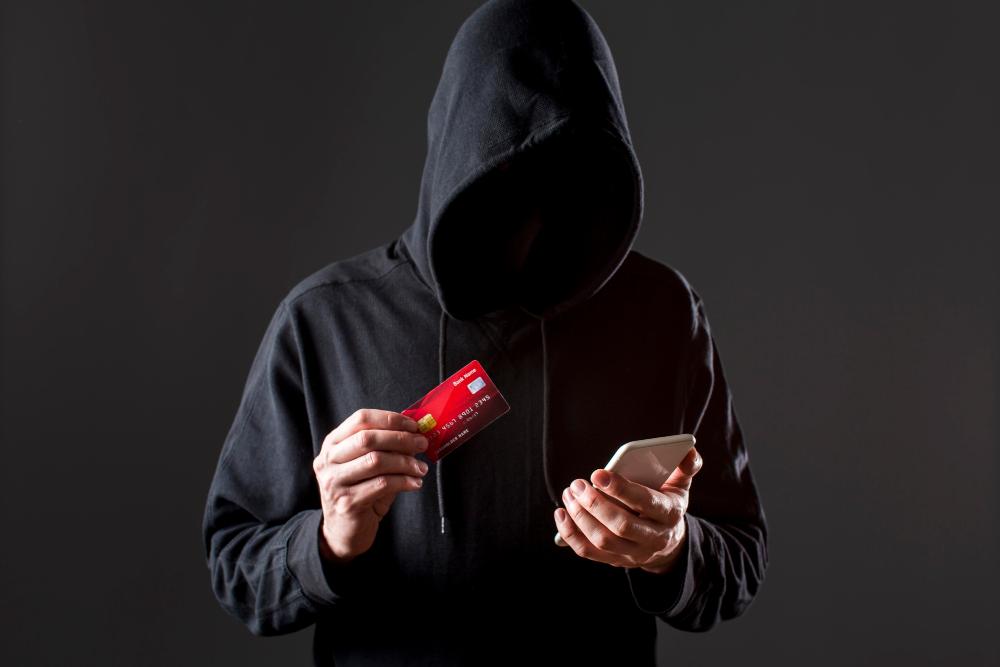
Small mistakes usually start small
You usually imagine online banking problems as something dramatic like an account being hacked or money disappearing in an instant. The reality is usually much quieter.
A password gets reused because creating a new one feels unnecessary. A notification gets ignored because everything looks normal. A login page appears genuine enough that nobody checks the address before entering details. These moments rarely feel important when they happen so some of the things you always need to keep in mind include:
- Checking the website URL and other details before signing in
- Updating banking apps when new versions arrive
- Keeping a close watch on transaction notifications
- Using biometric login or using 2FA where available
- Avoiding financial activity on unknown networks
When used together, these support stronger transaction security.
The message looks normal at first
Very few scams begin with something that immediately looks fake. They usually begin with something familiar. A message asks someone to verify an account. An email says a payment could not be completed. A caller says they are contacting someone from a bank. The details look believable because they match situations people already experience.
Banks do not ask customers to share passwords, PINs or one-time codes through messages or calls. Opening the official banking app directly is usually a better option than following a link from an unexpected message.
The problem may start somewhere else
Opening a banking app is usually when you start thinking about safety but some problems begin earlier. An app gets downloaded because it looks useful. A file arrives by email and appears to be an invoice. A pop-up appears while browsing and asks for an update.
None of these things seems connected to money at first. That is exactly why they can be overlooked. Some forms of banking malware stay quietly in the background. They do not always show obvious signs or stop a device from working. They wait for opportunities to collect information when important accounts are accessed.
One tap can create a bigger problem
Most people do not expect a single tap to cause trouble. The issue begins when that tap opens a fake login page or installs something that appears completely normal. A banking trojan works by hiding behind something familiar before attempting to collect sensitive information. The difficult part is that these situations happen quickly so a few extra seconds to check what is being opened can change the outcome.
Conclusion
You may ask how safe is online banking after hearing about someone else’s experience. Banks already invest heavily in protecting customer accounts but your own proactiveness matters too. Follow the best practices as mentioned above to ensure a safe and smooth banking experience.